
Affiliates Area
Your hoplink Not set yet No hoplink yet Contact Andrew

Visuals

Landing Pages

The pages a Diabetes Smarts hoplink can open, who each one suits, and a ready-made presell page you can put on your own site in front of them.

You have not created a promotion hoplink, click here to create one.

Generate Hoplink
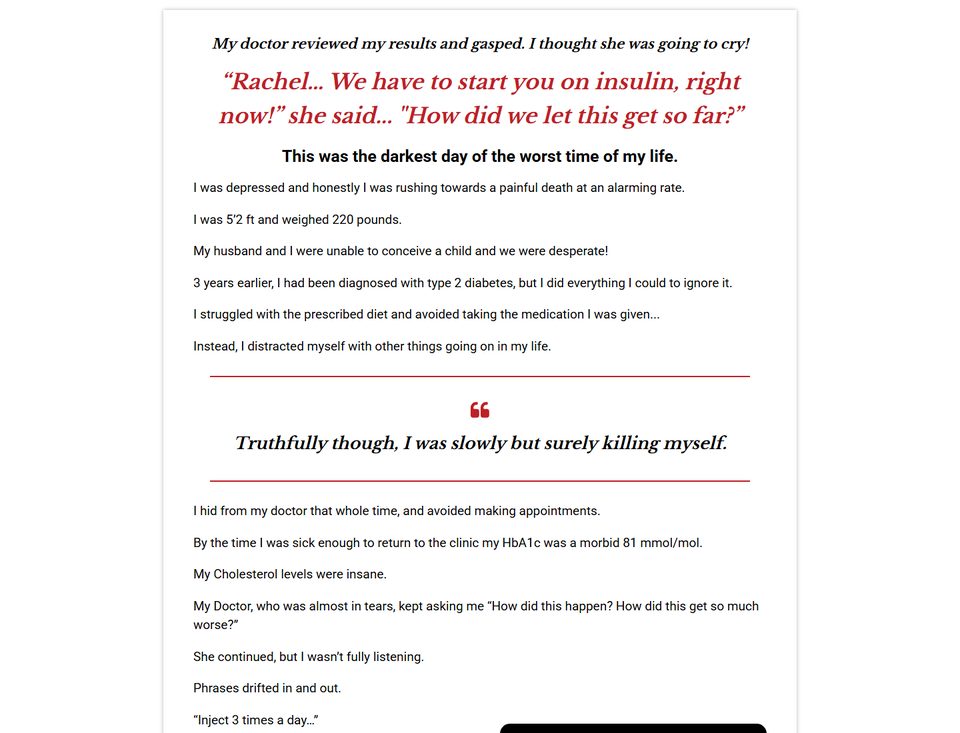
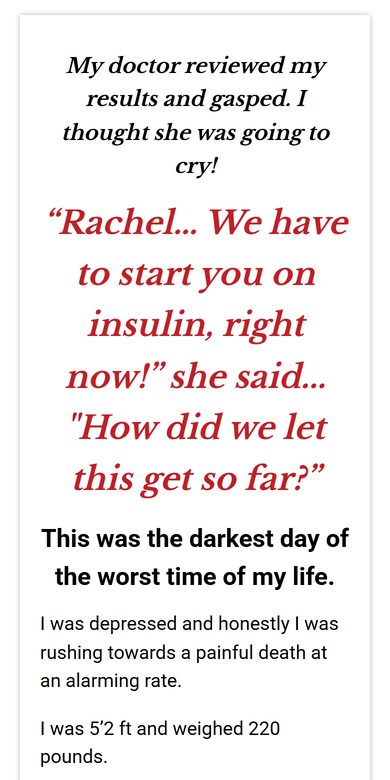
Written sales letter (recommended) on a computer Written sales letter (recommended) on a phone

1type=written

Written sales letter (recommended)

Opens https://diabetessmarts.com/written

The full sales letter in text, with what's in the program, the bonuses, the 60-day money-back guarantee and the order button.

Best for: Most promotions, and especially email readers, article readers and anyone browsing on a phone without sound.
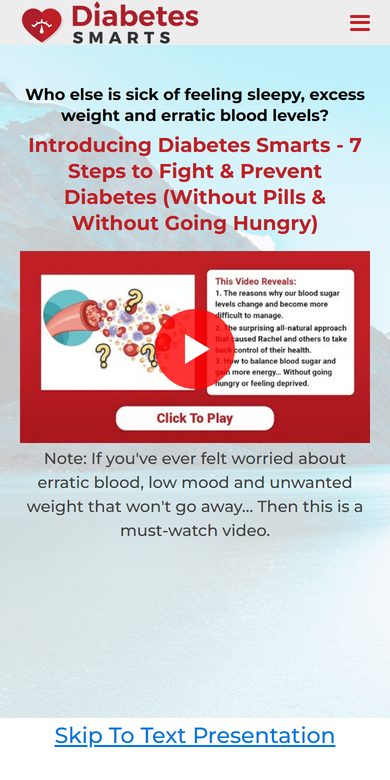
3type=main

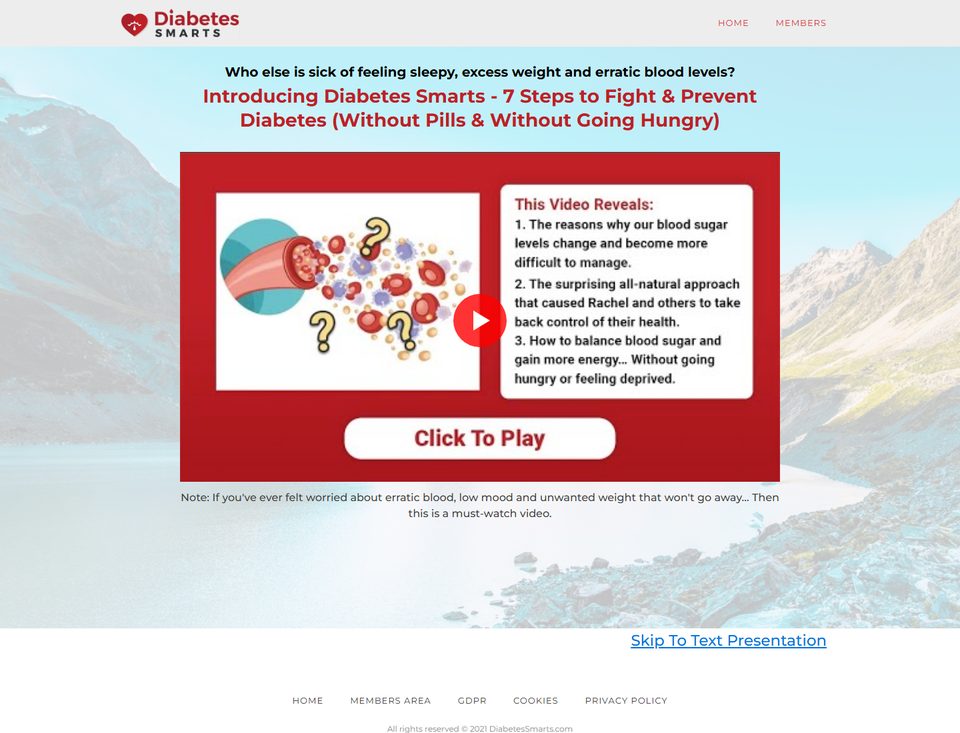
Main salespage (older links)

Opens https://diabetessmarts.com/written

The link most older emails and banners in this area carry. It opens the same written sales letter as type=written.

Best for: Links you have already shared. For new links, pick the written sales letter or the free video presentation.

The link format

The last part of your hoplink picks the page: type=written for the written sales letter, type=freep for the free video presentation. Links straight to the order form are not offered.

https://hop.clickbank.net/?affiliate=ID&vendor=diabdoco&tid=TID&type=…

The hoplink generator builds the link for you and checks your ClickBank ID as you type.

The presell page on a computer The presell page on a phone

A presell page for your own siteNew

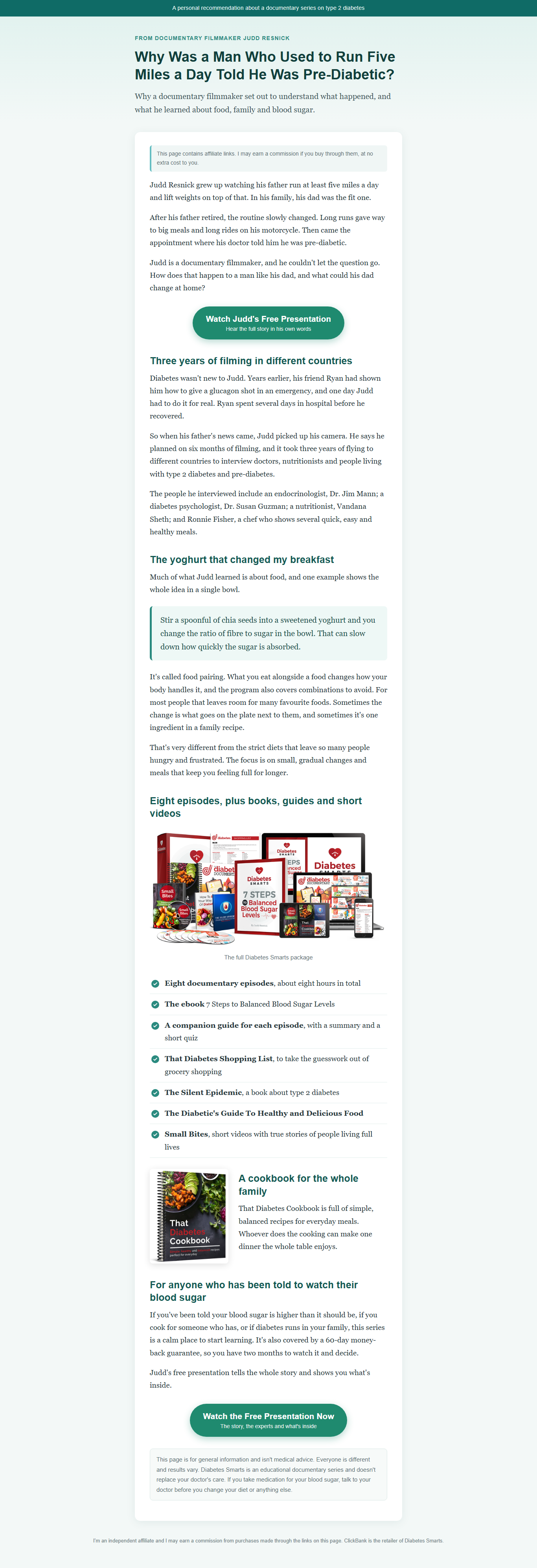
A ready-made page that tells the story of a man who used to run five miles a day and was told he was pre-diabetic, then sends readers on to Judd’s free presentation. Send your paid ads to this page on your own site, never straight to your hoplink.

HTML version (.zip) index.html and its two pictures, for any website. WordPress version (.zip) A WordPress export file holding one draft page.

See the whole page: computer phone

HTML version

  1. Open index.html in any text editor (Notepad, TextEdit or VS Code).
  2. Use Find and Replace to replace every AFFILIATE-LINK with your ClickBank hoplink. There are 2 buttons, and both should change. Save the file.
  3. Upload index.html and the images folder together to a folder on your own website, for example yoursite.com/blood-sugar-story/. Keep the images folder next to index.html.
  4. Open the page and click each button once to check it opens the Diabetes Smarts page.

WordPress version

  1. In WordPress go to Tools > Import > WordPress (install the importer if asked), choose diabetes-smarts-presell-wordpress.xml and press "Upload file and import".
  2. Open the page in the block editor, switch to the Code editor (top-right menu) and replace every AFFILIATE-LINK with your ClickBank hoplink.
  3. Preview the page on your phone, click each button once, then publish.
  • Keep the affiliate disclosure at the top and the note at the bottom.
  • Never promise a cure, a reversal, weight loss or any result, and never tell anyone to change their medication.
  • Ask Andrew Rusbatch (andrew@unicapublications.com) to review your site before you run any Google or Bing ads.

Want it in your own words? The README in each zip has a ready prompt for ChatGPT, Claude or a similar assistant that keeps the layout, the links, the disclosure and the medical note.

© 2026 DiabetesSmarts.com All rights reserved.